Reviewing a worktree's changes
A worktree's work against its base in the Diff Review, like a pull request that has not left the Mac.
Repository ▸ Review Changes (⇧⌘R) opens the
Diff Review on what this window’s
worktree has done since it left its base: what a pull request would show,
before anything is pushed. A row in the Worktrees section offers it for that
worktree, and a branch’s menu for that branch.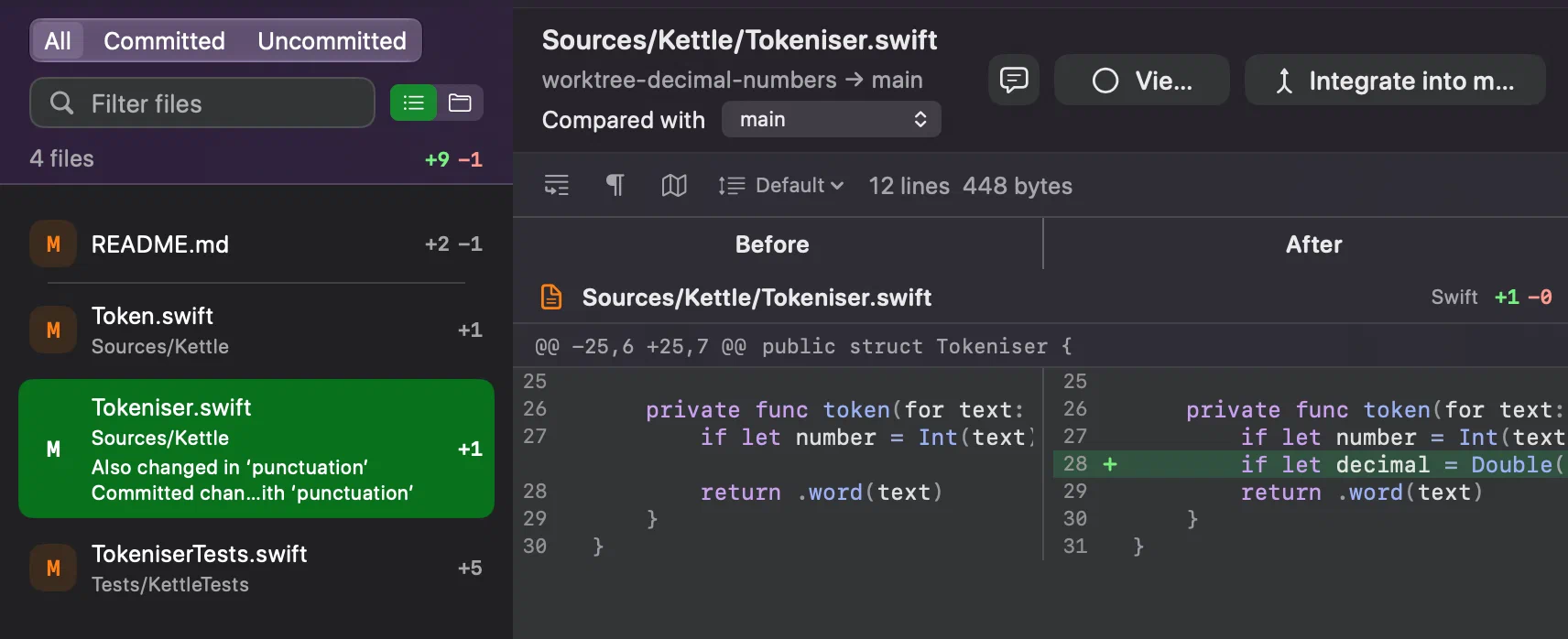
- All, the default, shows the commits and the uncommitted changes together, untracked files included: what merging the work would bring once it is committed. Committed and Uncommitted show one half each.
- Compared with picks another base for the branch, and keeps it.
When no base can be found, as for
mainitself, the review says there is nothing to compare with. - Viewed, or ⇧⌘D, marks a file as you have seen it and moves to the next one, and the count at the foot of the list goes up, whatever the file filter is showing. Change the file afterwards and the mark clears. Marks are kept with the review, on your Mac, and nothing goes into the repository.
While its window is in use, the review follows the worktree: an agent’s edits appear as it makes them, and the file on screen stays where it was.
Another worktree changing the same file
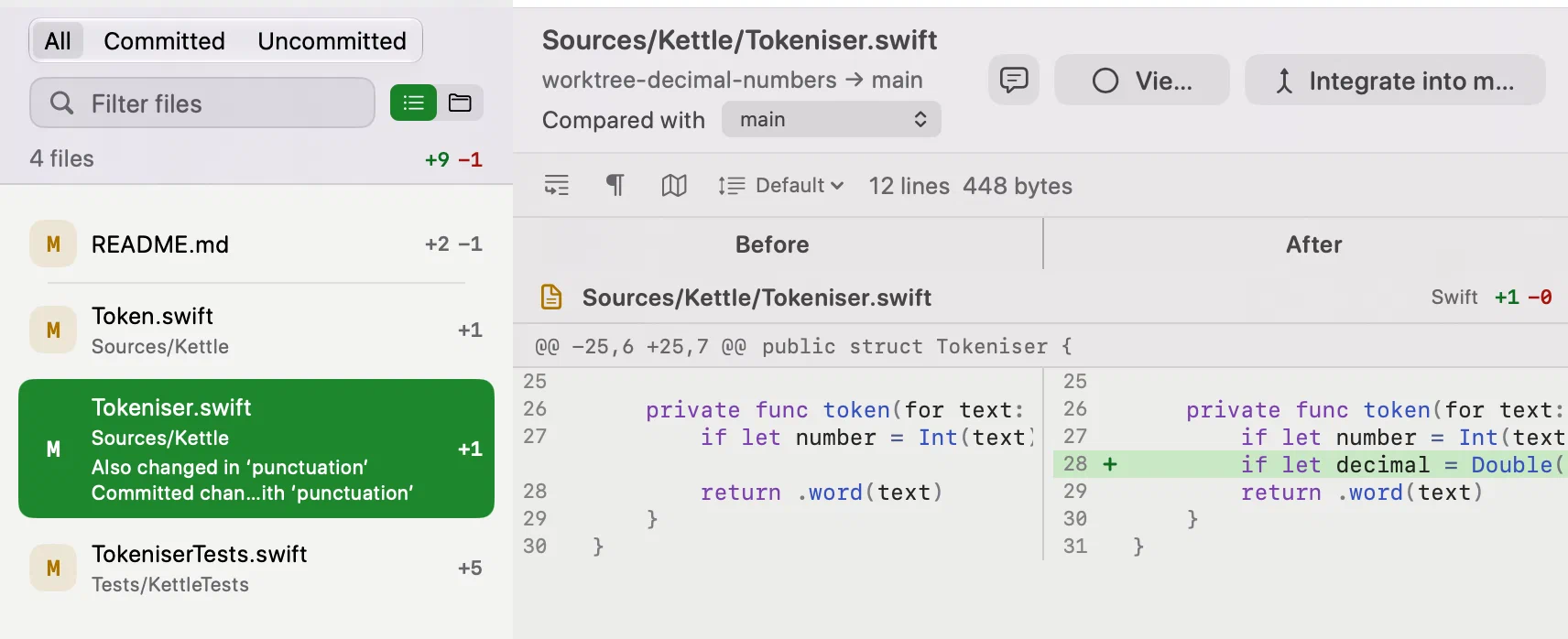
A file that another worktree changes too says so under its name, as Also changed in ‘punctuation’. When the two worktrees’ commits would conflict if both were merged, it adds Committed changes conflict with ‘punctuation’. The prediction reads commits only, needs Git 2.40, and is a forecast: no notice does not promise that nothing conflicts.
A branch without a worktree
A branch nobody has checked out, including a remote one an agent in the cloud pushed, can be reviewed from its menu too. Only its commits are shown, and notes need a worktree.
From here, notes for the agent, on lines or with Annotate File… on a whole file, and Integrate into main… are the two ways on.