Creating a worktree
A branch name and Return: a new folder beside the repository, its own window, and optionally an agent already started in it.
Repository ▸ New Worktree… (⇧⌘N) opens the sheet, and so do the
New Worktree button in the Worktrees section’s header, the Command
Palette, and a branch’s menu, which preselects that branch. A branch name and
Return are enough.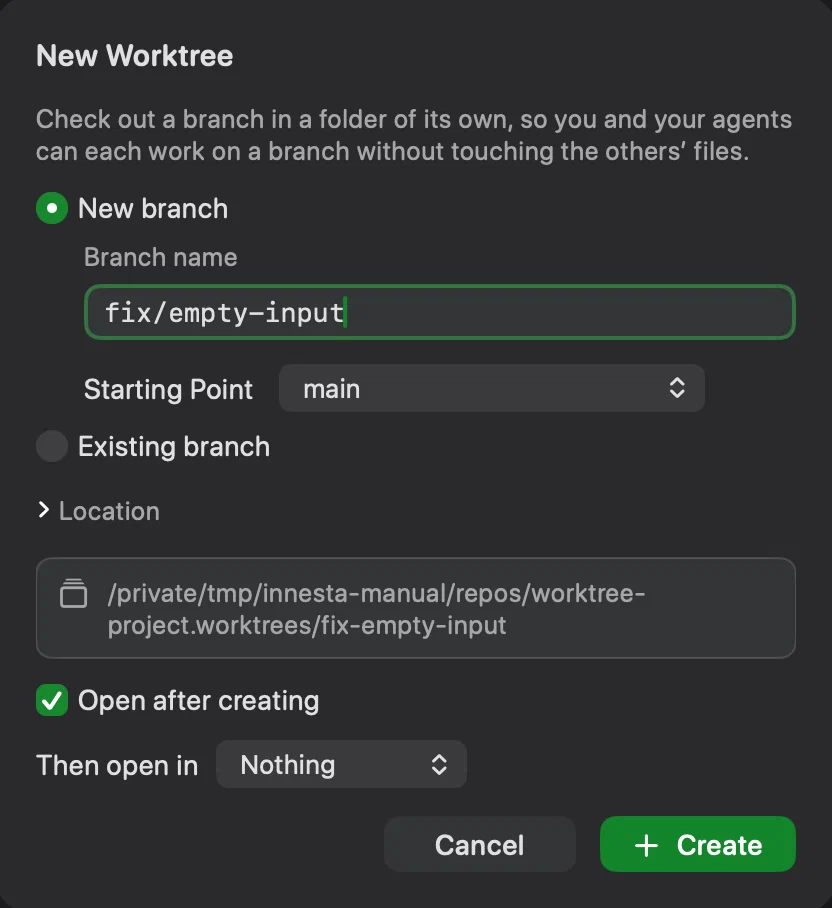
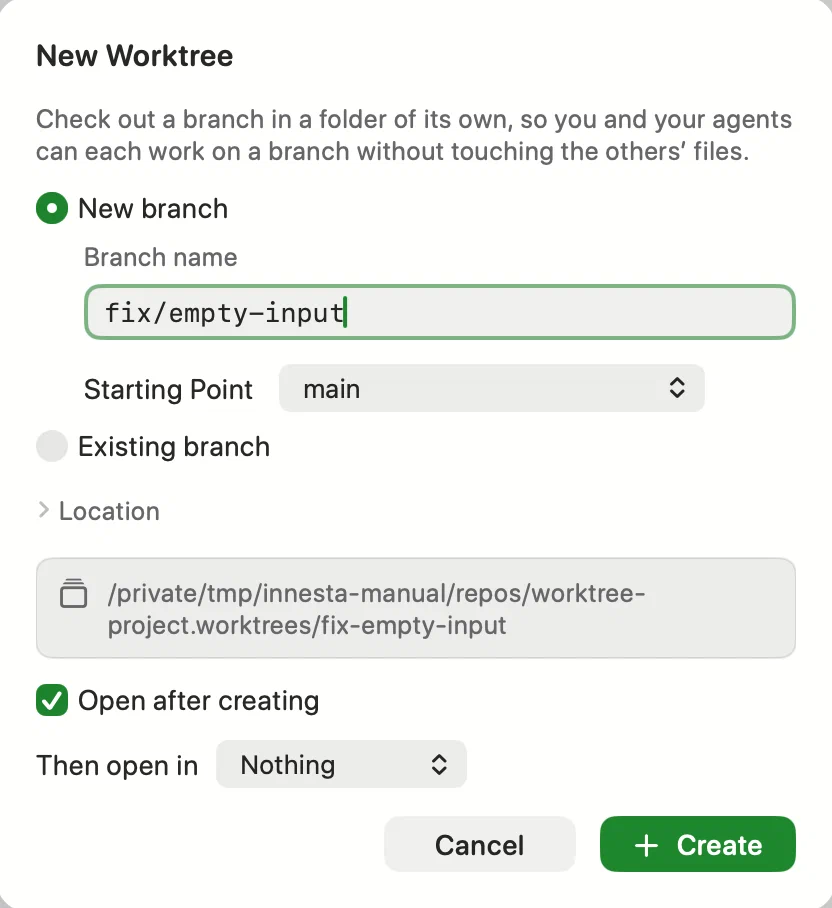
- New branch makes the branch from Starting Point, the current branch unless you choose another.
- Existing branch checks out a branch that no worktree has yet, remote branches included.
- Location, collapsed, holds the folder’s name and where it goes.
The default is a folder named after the branch, inside
‹repository›.worktreesbeside the repository; the line underneath shows the full path, or says what to fix. - Open after creating opens the new worktree in its own window.
Innesta records the branch it started from as its base, which is what the row’s counts and Review Changes compare it with.
Files Git ignores
A new worktree has only what is committed, so a .env or a local settings file
is not there. List them in a .worktreeinclude file at the top of the
repository, with the same patterns as .gitignore, and the sheet offers to copy
the ignored files that match — up to 2,000 files and 512 MiB. Without one,
Innesta mentions ignored .env files it found, and never creates the file for
you.
Starting an agent there
Then open in chooses Claude Code or Codex to start in the new worktree, and Task (optional) pre-fills what to ask it. The task is never sent: it waits in the agent for you to read and send, or on the clipboard when it cannot be pre-filled. The choice is remembered for each repository. Where the agent opens is covered in Claude Code and Codex.
A worktree on no branch
Codex leaves its worktrees on a detached HEAD. Create Branch Here…, in such a row’s menu, gives the work a branch, which is what merging it back needs.