
Innesta — Git, made native.
Git for macOS. Native, fast, built for your flow.
Launch price
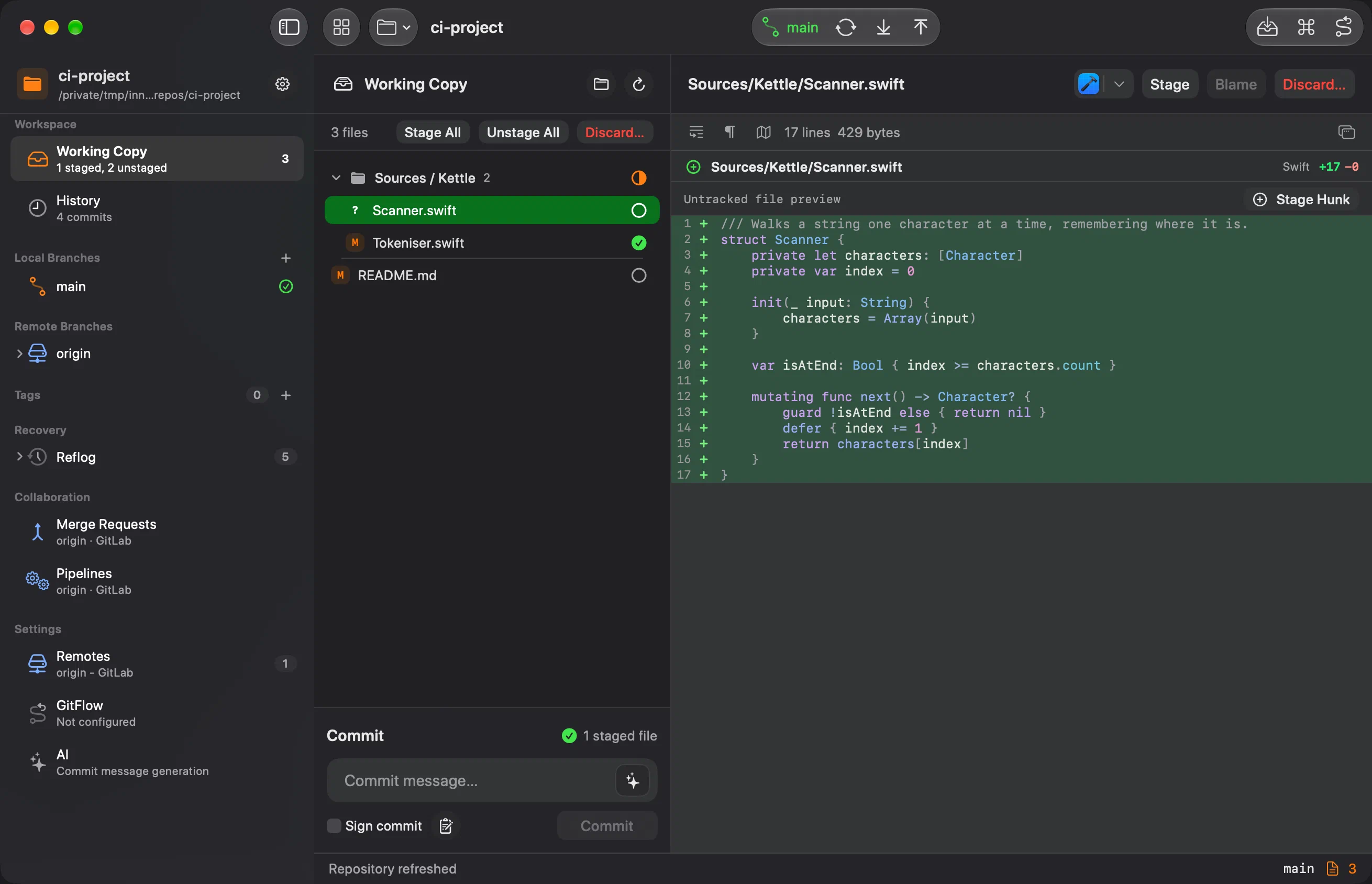
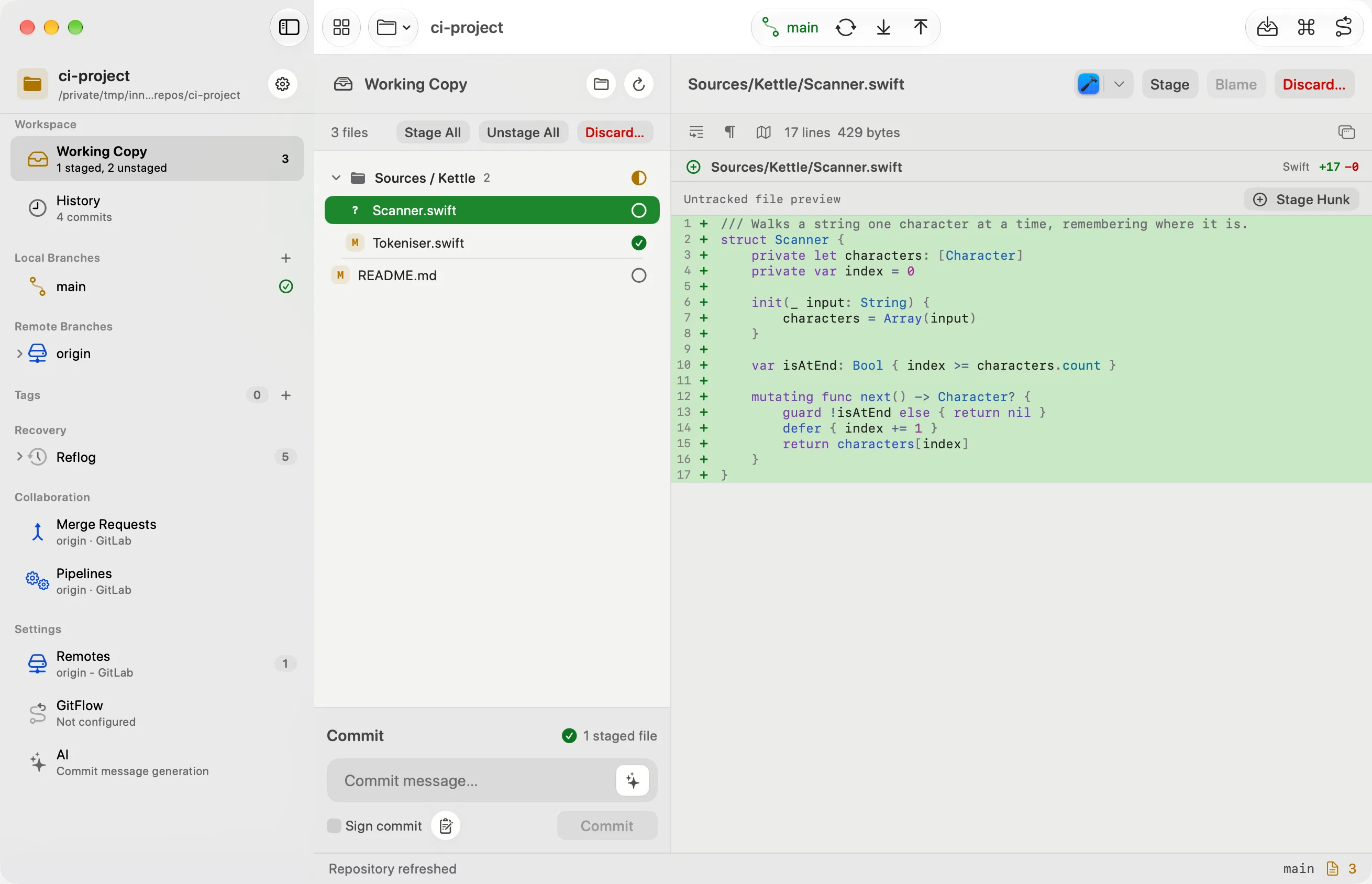
Diffs you can actually read.
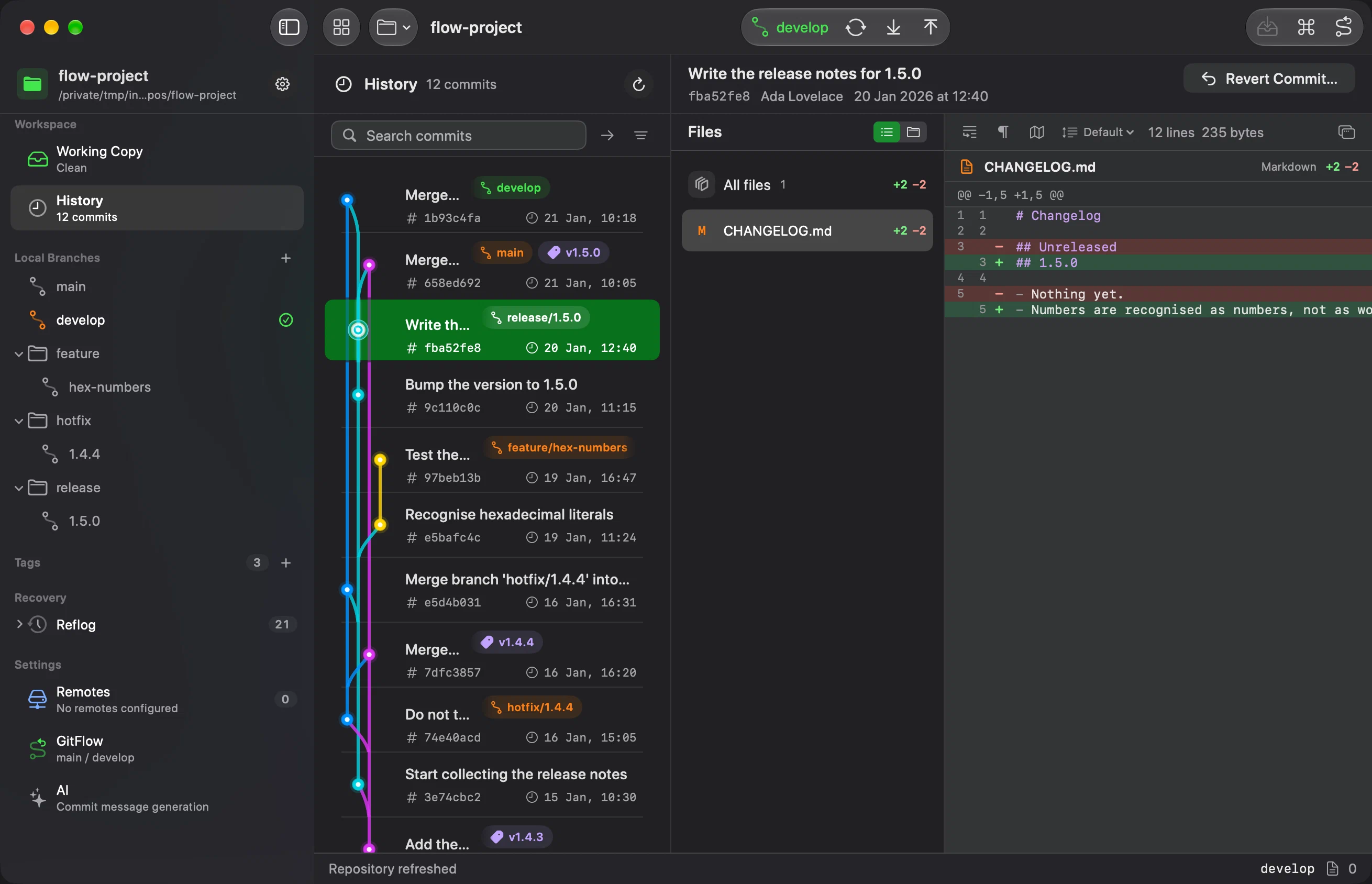
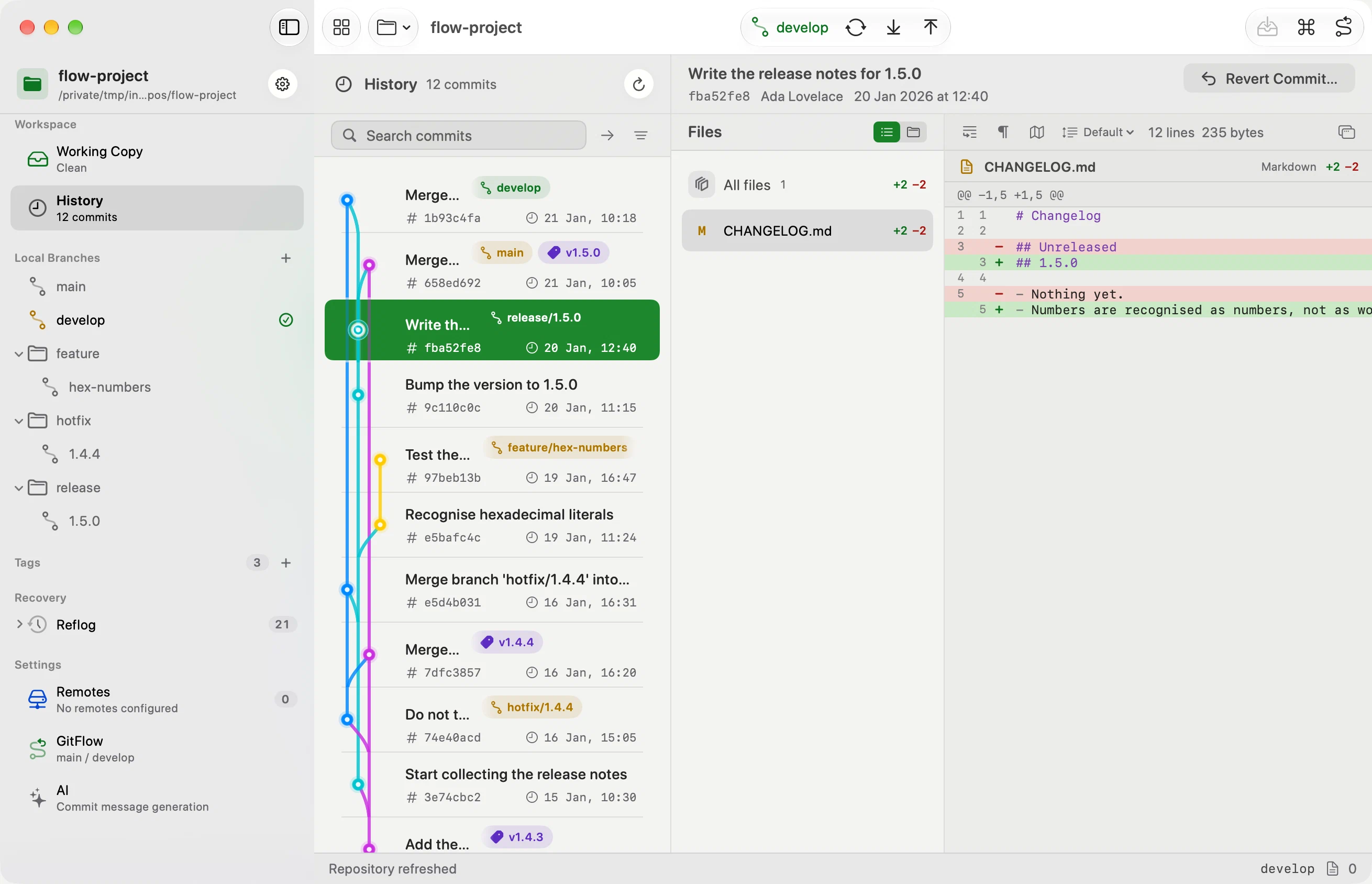
Inline or side by side, with synced line numbers, syntax colouring, the exact changed part marked inside the line, and a minimap if you want one. Stage a hunk or a single change: point at it in the gutter, or drag across a block and apply it in one step. Images preview in place, huge files stay responsive, and anything you want more room for opens in a window of its own.
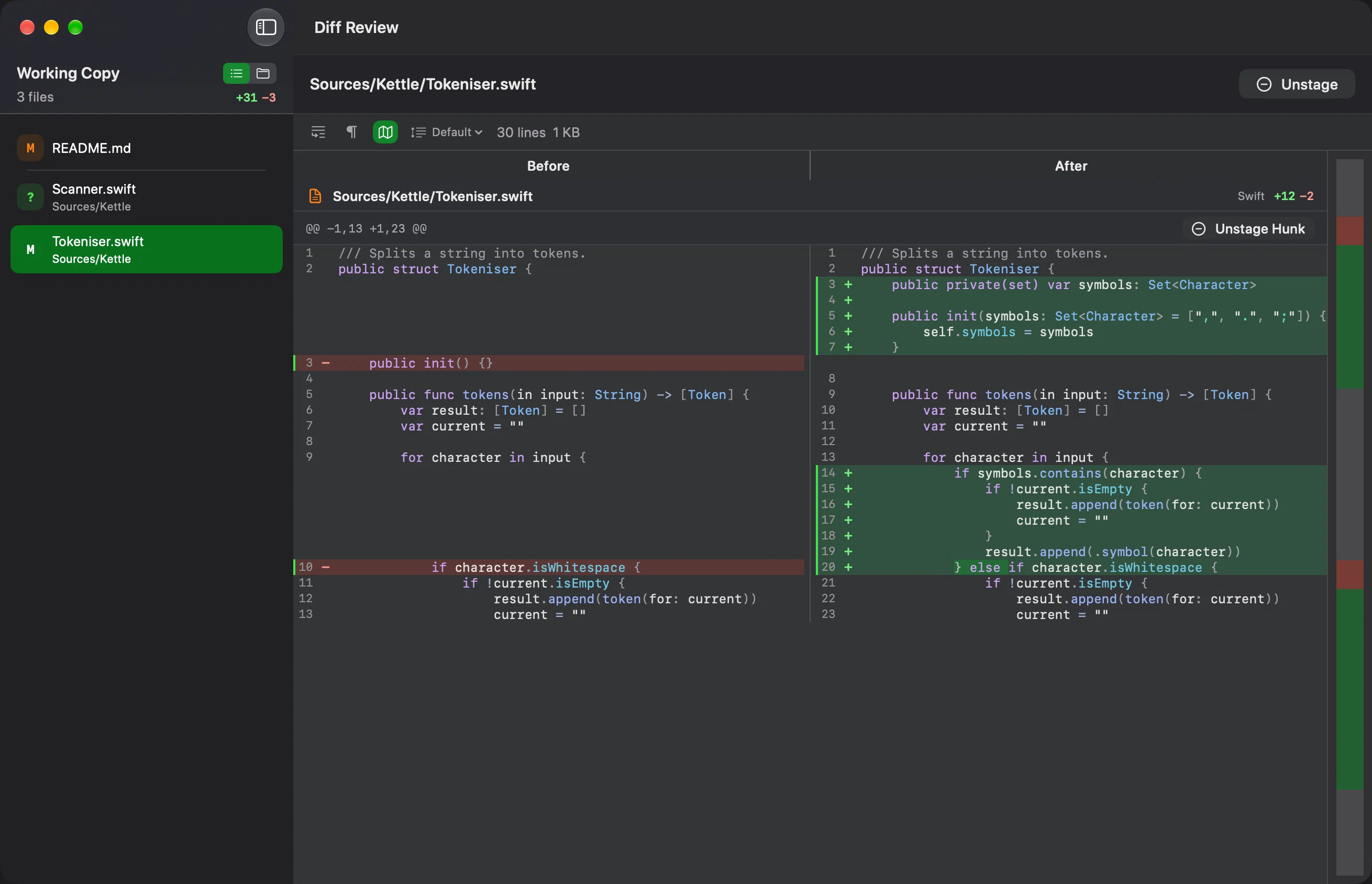
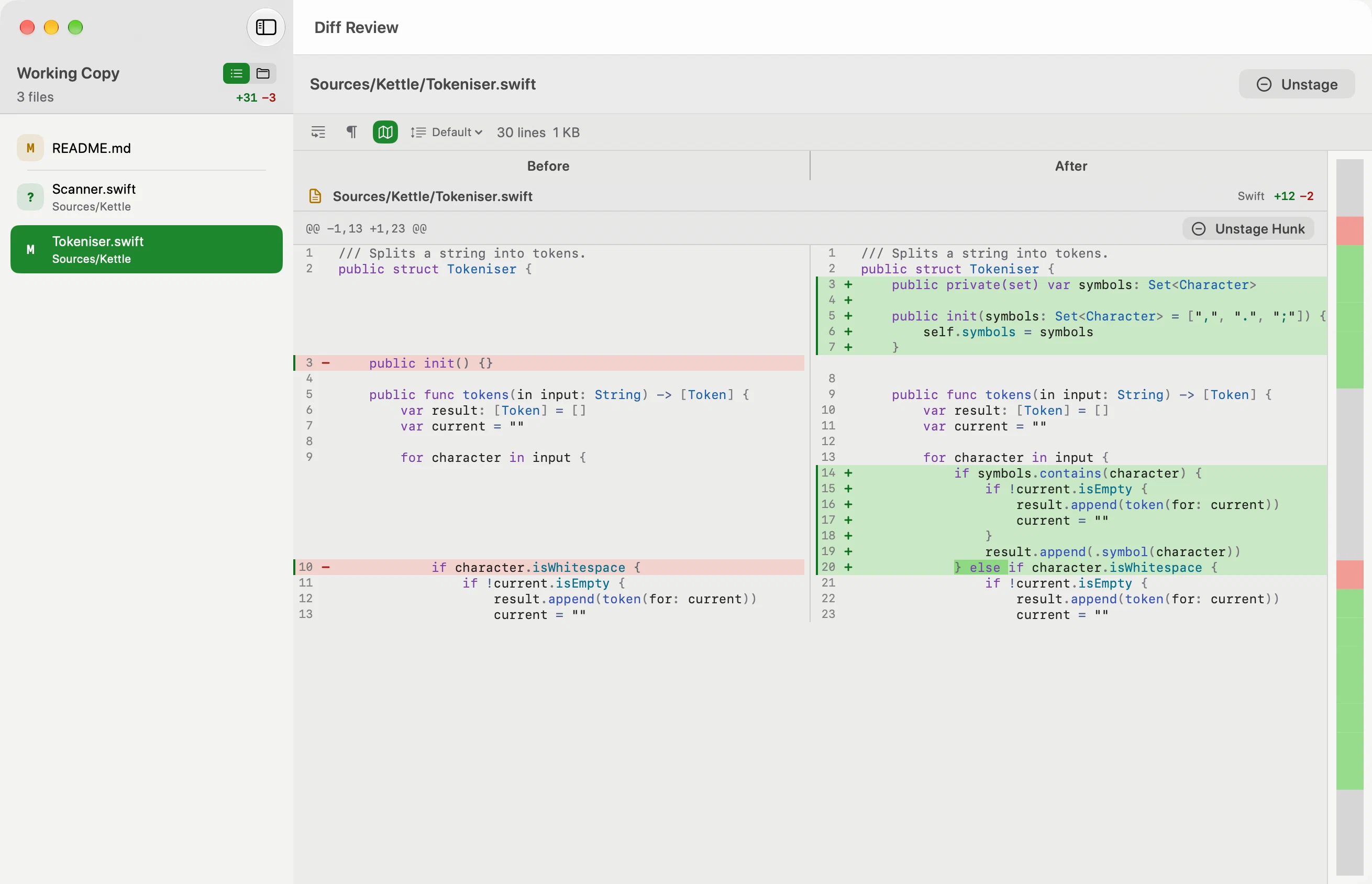
No blind pulls. No blind pushes.
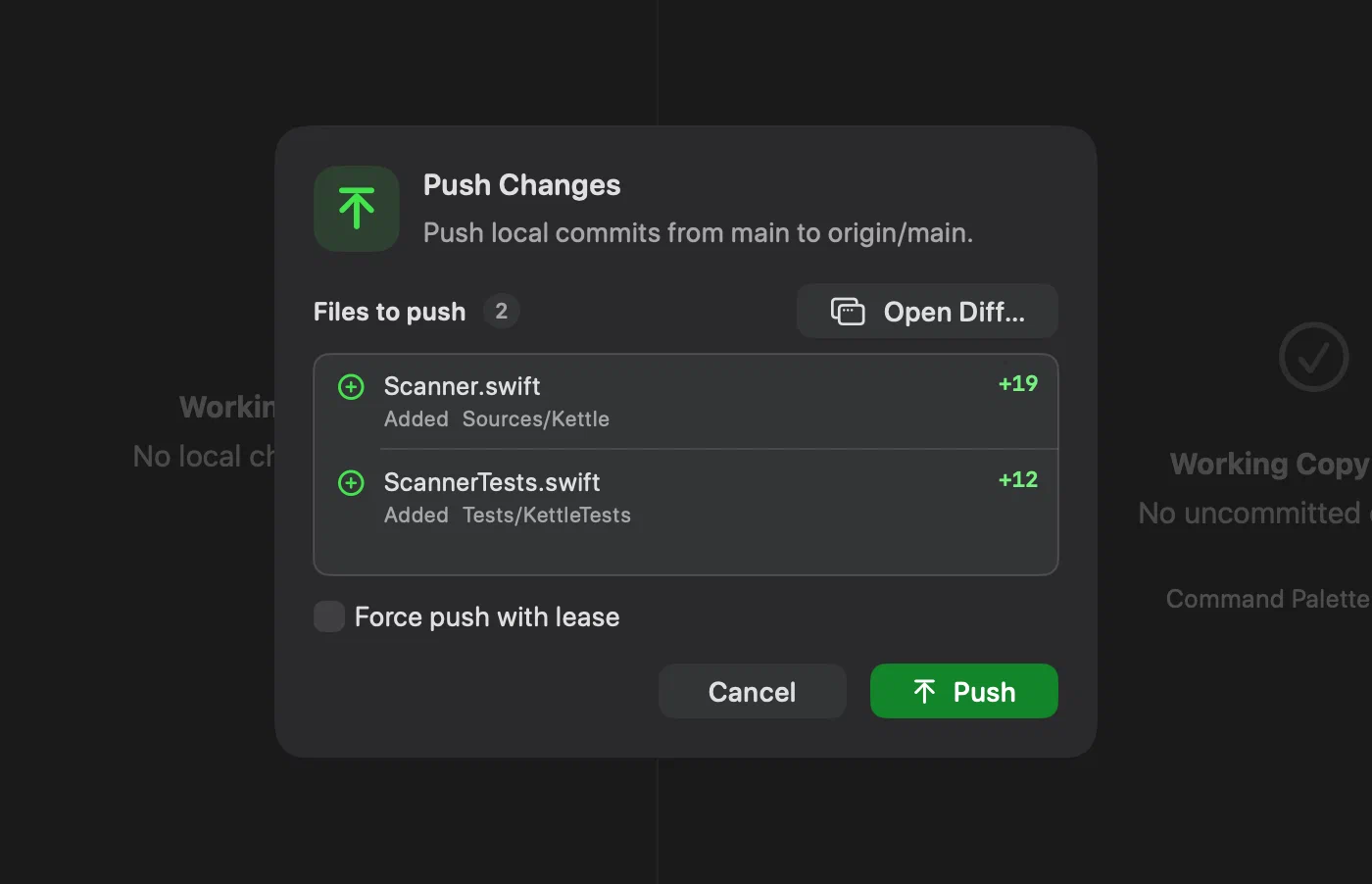
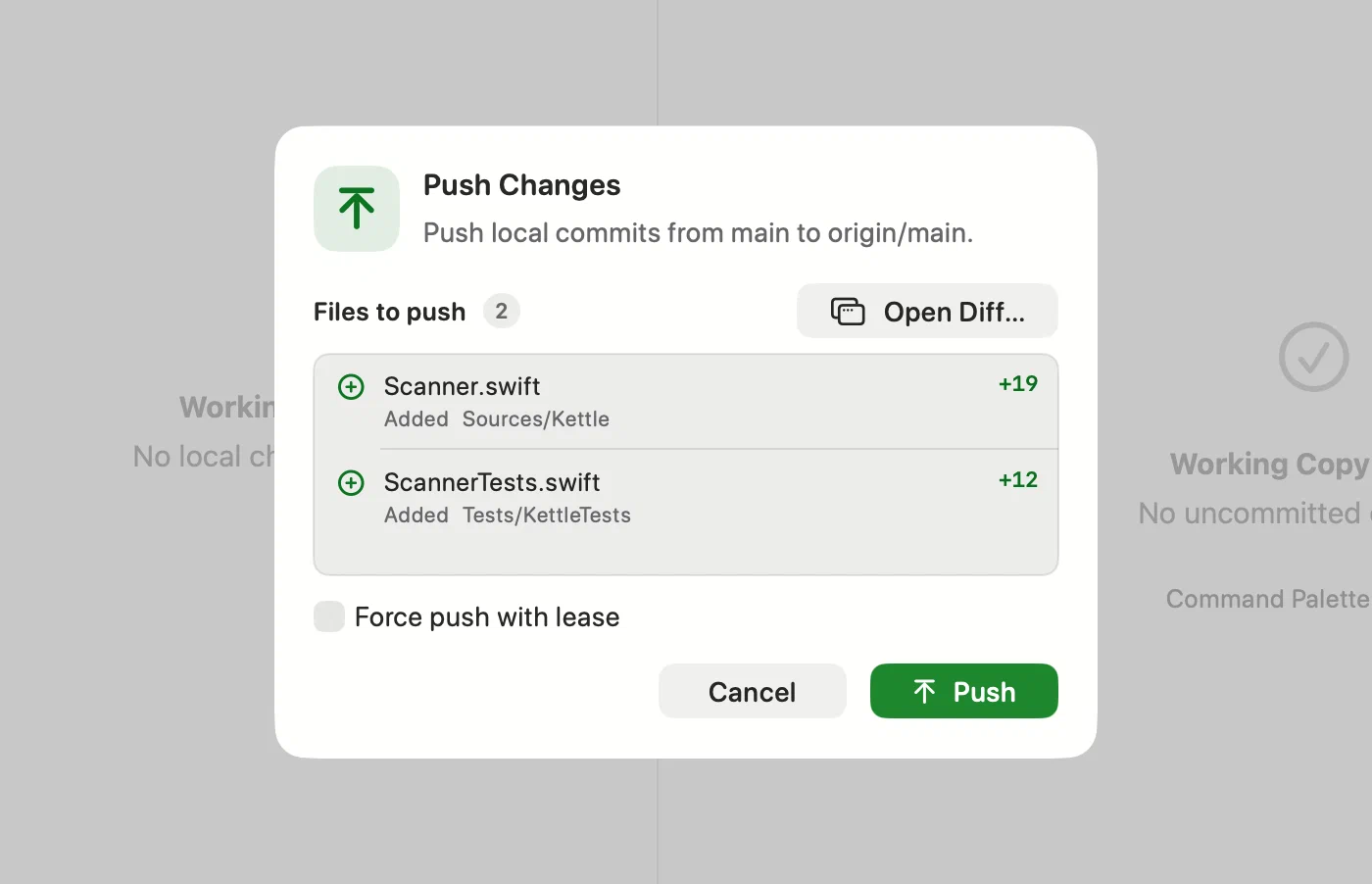
Before a pull, Innesta fetches and lists the files about to land. Before a push, the ones about to leave. Both carry an Open Diff button that puts the whole change in a window of its own, so you decide with the real diff in front of you — and a force push makes you type the branch name first.
Every commit, one search away.
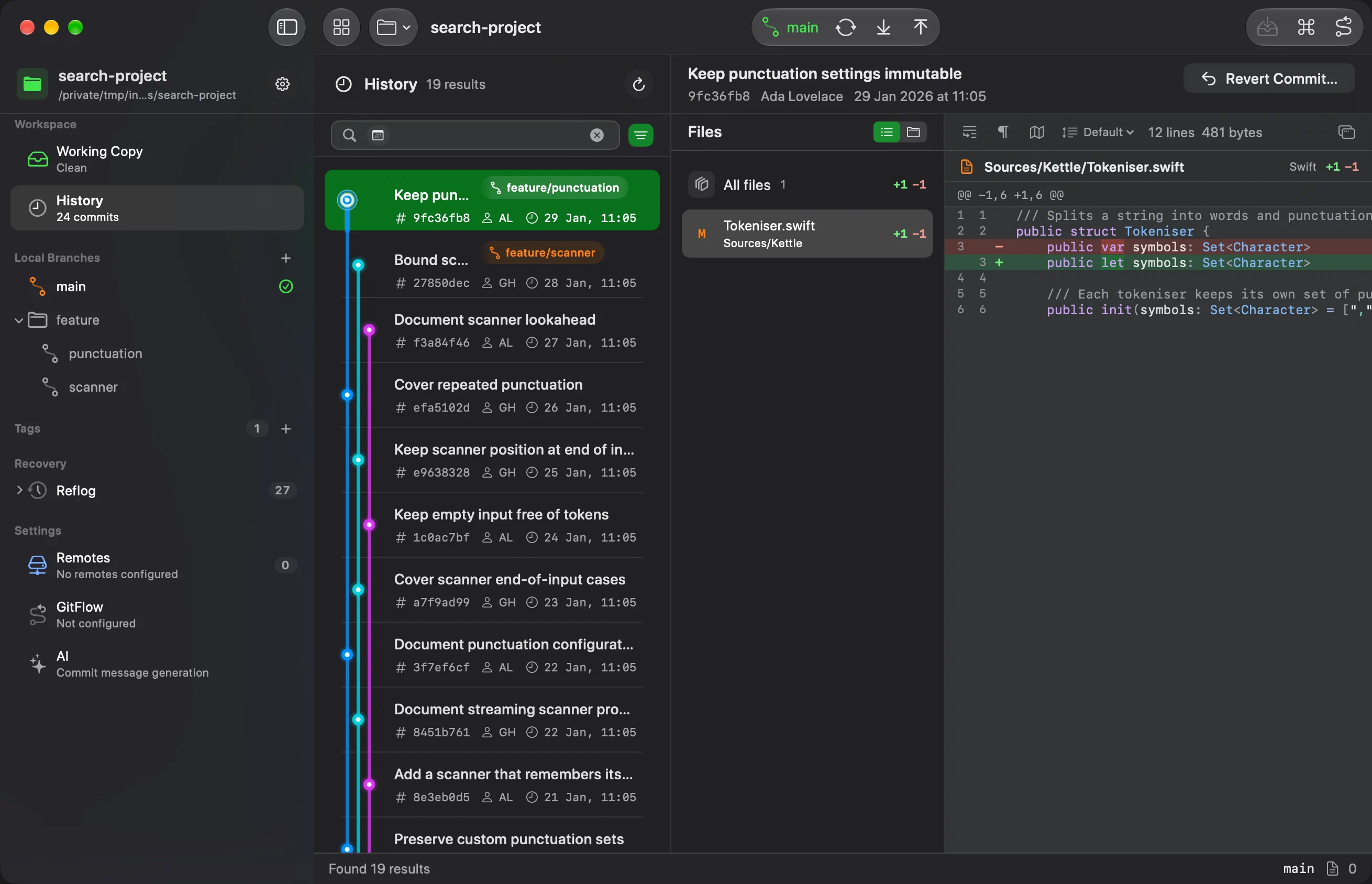
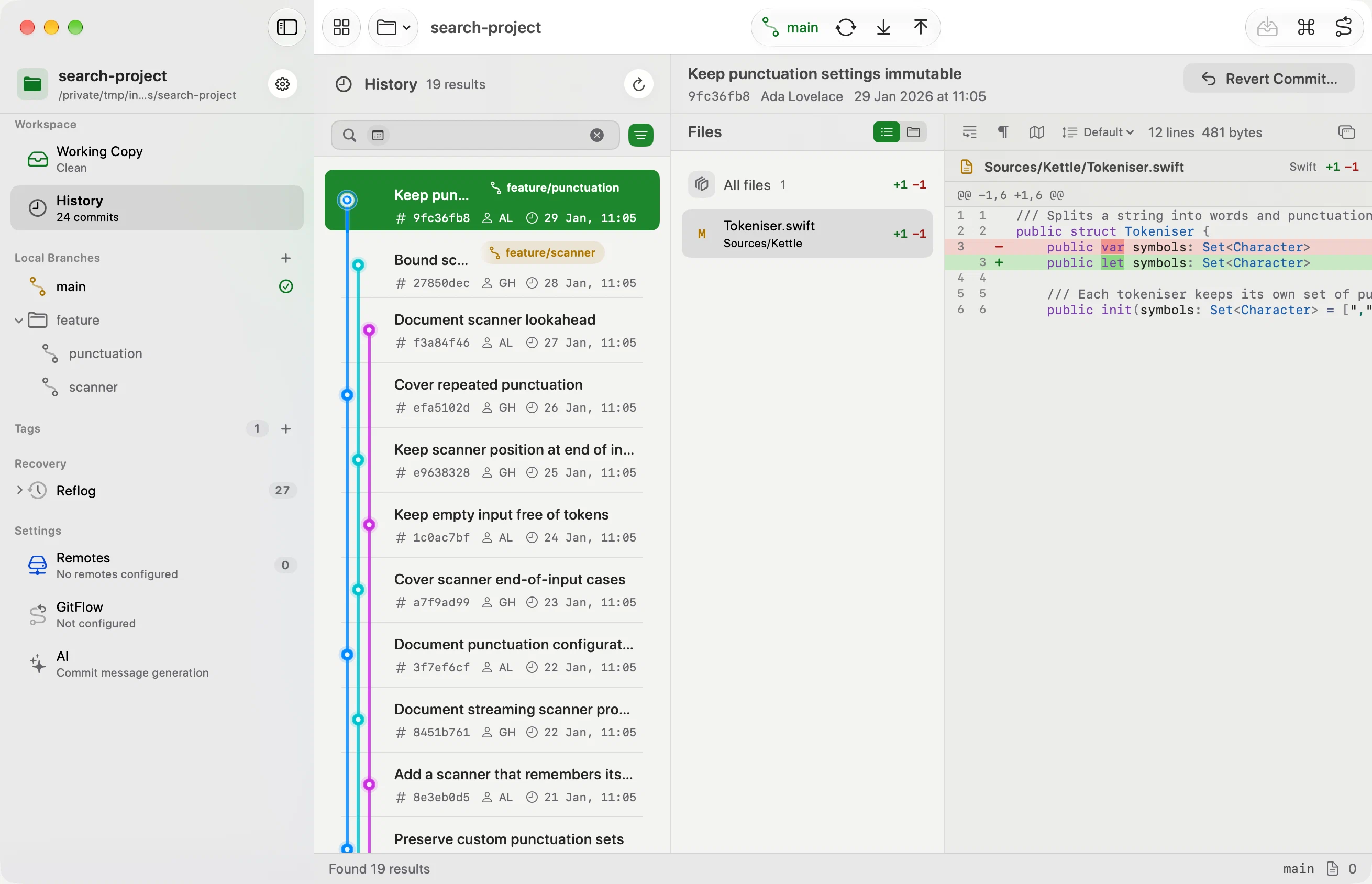
The graph keeps branches and commits in view while you search. Type part of a month, an author's name or a file name and choose a suggestion to combine filters. You can also edit the filters in their panel. Select a commit to read its files and diff.
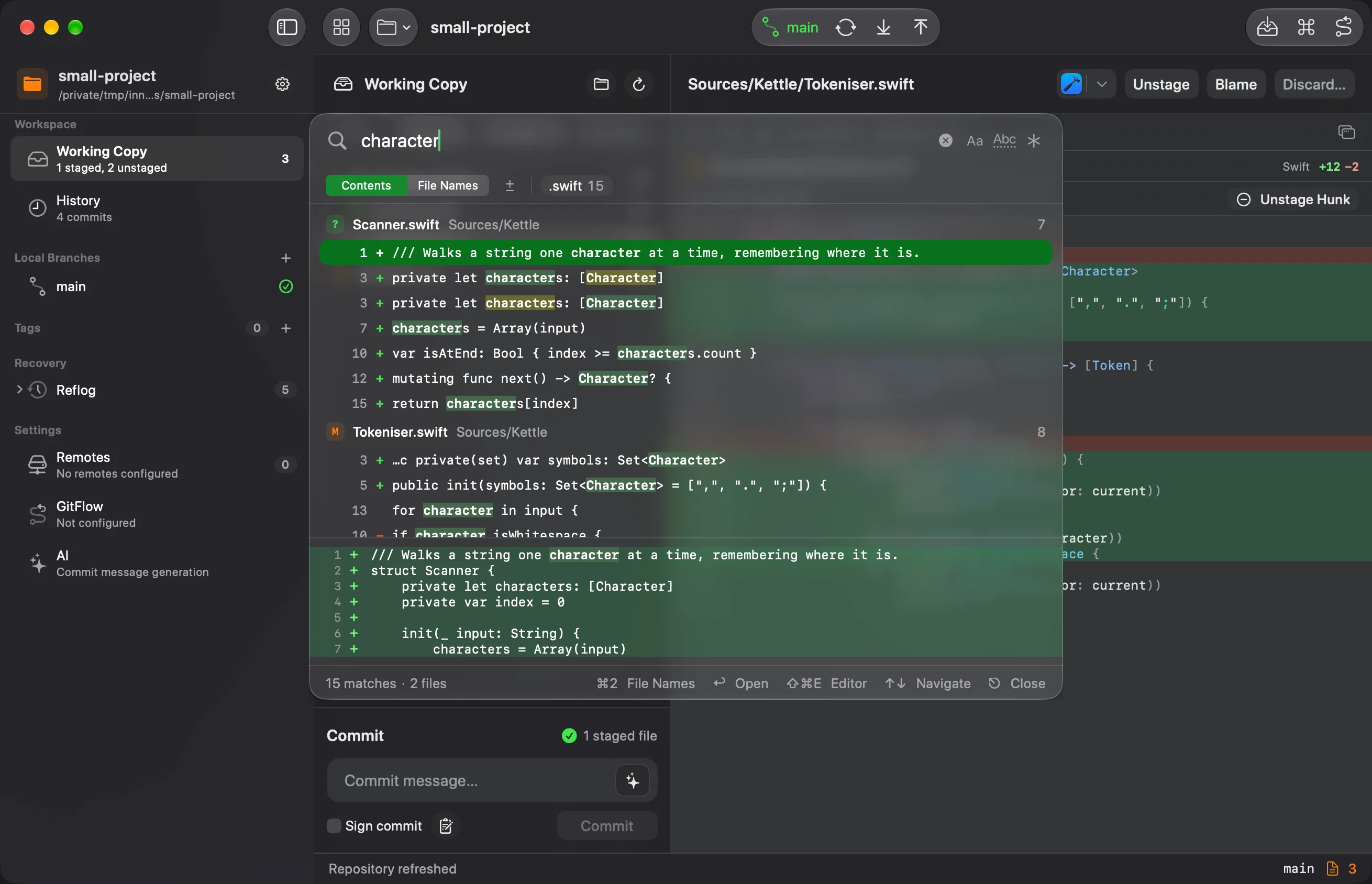
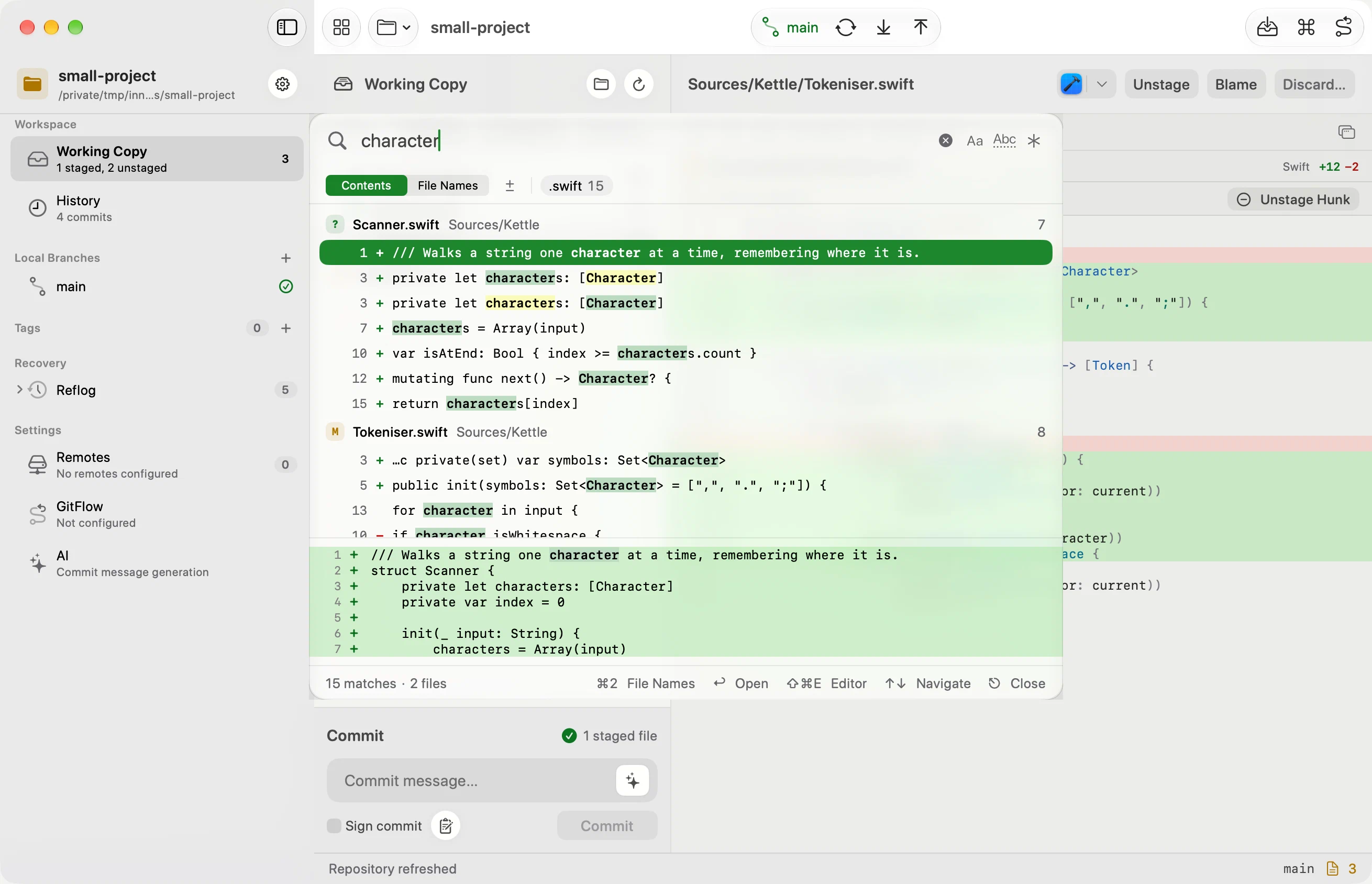
Search the working copy.
Find a changed file by name, or search its contents across staged, unstaged and untracked changes. Filter by file type, preview a matching line, and open the result in the diff. The search stays inside your uncommitted work.
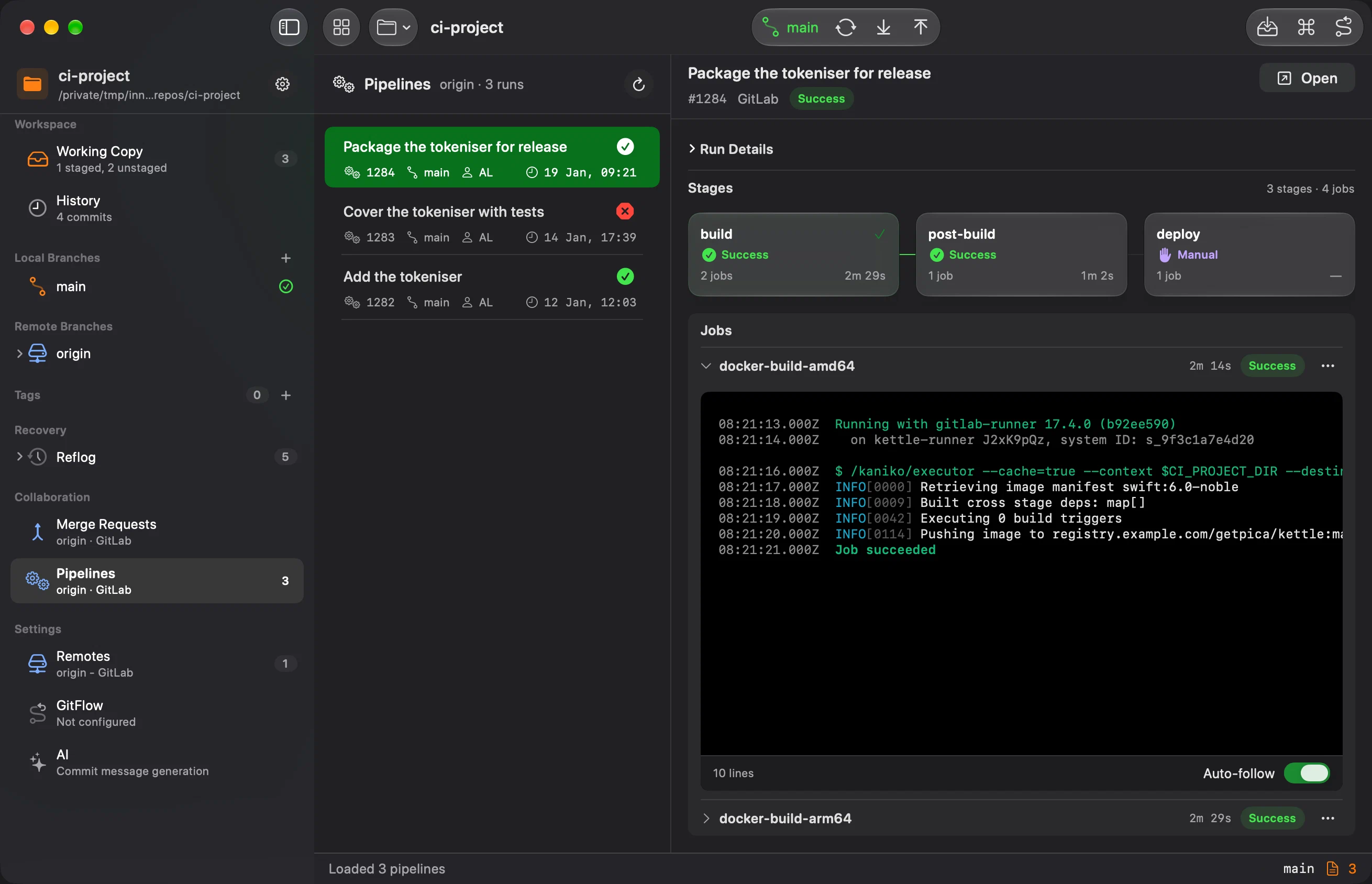
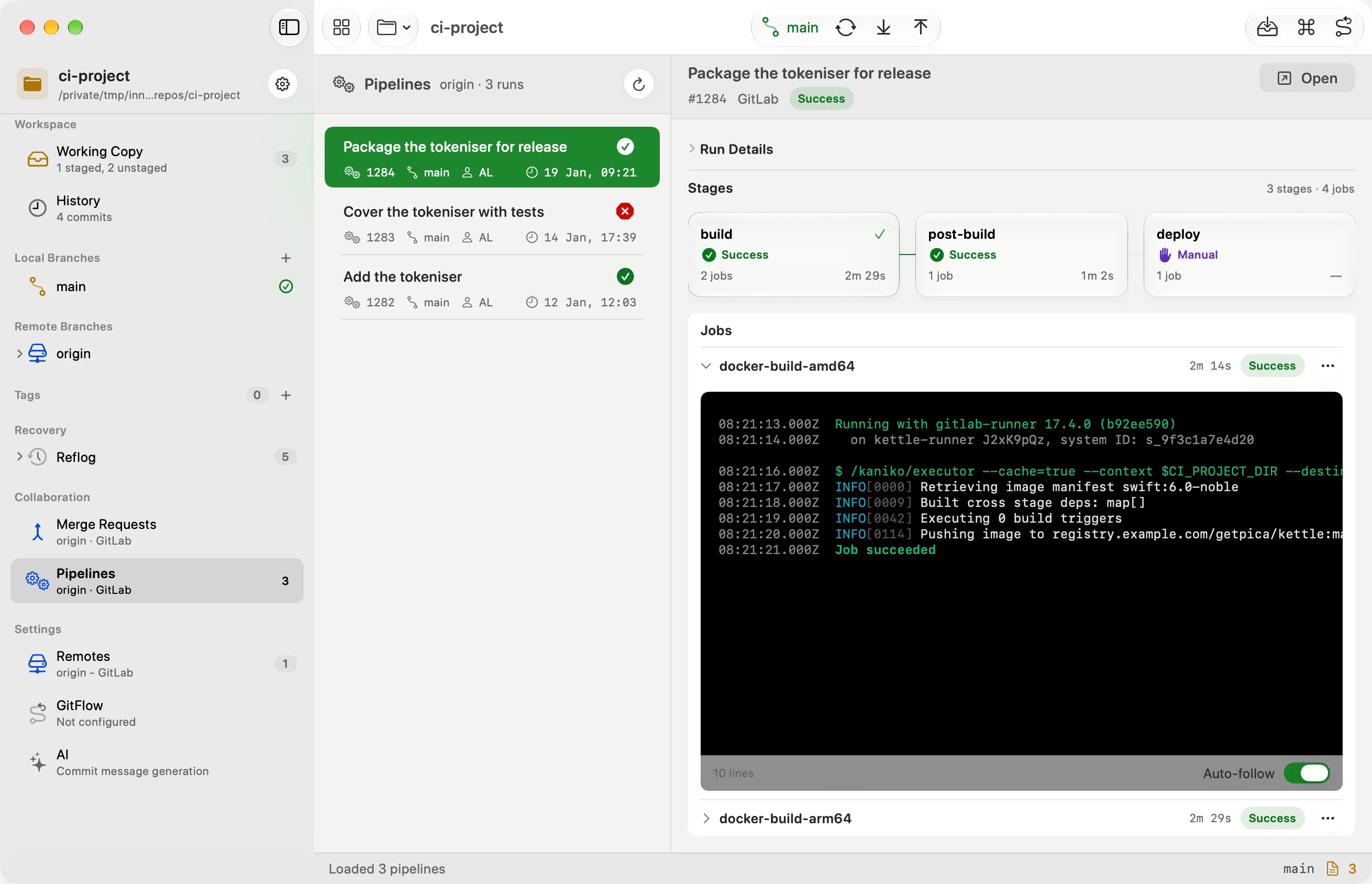
CI pipelines and Pull requests, always under control.
Connect GitHub or GitLab once and your pull requests, merge requests and pipeline runs live in the sidebar. While you're looking, pipelines refresh every ten seconds during a run and every minute otherwise, so a new run shows up by itself. Open a job and its log expands underneath, terminal colours intact and searchable with ⌘F: live while the job runs on GitLab, once it has finished on GitHub. You can stop a run, re-run its failed jobs or a single job, and start a GitLab manual job; pull and merge requests stay read-only.
Releases, without the checklist.
Start a feature, a release or a hotfix and Innesta handles the ritual. Starting a release finds your version in package.json, Cargo.toml, pyproject.toml, Info.plist — or wherever a pattern you define puts it — bumps it and commits the change on the release branch; finishing merges into main, writes the annotated tag and merges back into develop. And it won't finish while there are conflicts, uncommitted work or commits you never pushed.
Commit messages, written on your Mac.
On a Mac with Apple Intelligence, Innesta drafts the message from what you staged — on the device. No account, no API key, no bill. Prefer a different model? Give permission once and it uses the Claude Code or Codex CLI already on your Mac. Pick the voice: imperative, Conventional Commits, gitmoji, descriptive, or whatever this repo already does.
Feature by feature,
the daily work.
Sync, spelled out
Three toolbar buttons: Sync with Remote fetches, Pull and Push carry a badge with the commits waiting. Repository ▸ Sync (⇧⌘S) reads the two counts and runs fetch, pull, push, or both — and pushes only if the pull came out clean.
Undo is the default
Until you push, Undo Commit takes back your last commit, its changes still staged, and Redo restores it exactly. Discarded changes, hard resets and deleted branches keep a backup — a week by default, up to a month — and each shows you what it removes first: the exact diff, or the commits at risk.
Conflicts in three panes
Ours on the left, theirs on the right, your result in the middle. One action clears the hunks that were never really a choice — you both made the same edit, or only one side moved. Decide the rest, then Mark Resolved stages the result.
Blame with a heat map
Annotations in the gutter, shaded by age — the warmer the line, the more recently it changed. Click one for the commit and the diff it came from.
⌘K, then anything
The command palette holds the actions you use most, and shows the shortcut for every command that has one. Type
innesta .in a repo folder to open it — same window if it's already open.A real Mac app
SwiftUI and AppKit, not a website in a box. Spotlight finds your commits, Quick Look previews diffs from Finder, and your credentials live in the Keychain.
The whole list.
Repository
- Open, clone, or init
- Drag and drop a folder
- Add every repo in a folder
- Recents with live branch status
- Projects in collapsible groups
- Opens from any subfolder
- Playground for trying things out
Working copy
- Stage files, folders, or all
- Stage a hunk or a single change
- Drag the gutter to stage a block
- Flat list or folder tree
- Amend with a preview
- Undo and redo the last commit
- Discard and reset with a backup
- Add to .gitignore from a row
- Open in your editor with ⇧⌘E
- Picks the editor the project points to
- Commit signing, GPG or SSH
- Refreshes when files change
- Commit with ⌘⏎
Diff review
- Inline or side by side
- Synced line numbers
- Syntax highlighting
- Changed ranges within the line
- Soft wrap, whitespace, minimap
- Code font size, 10 to 24 pt
- Context lines, or the whole file
- Large diffs stay responsive
- Image previews in place
- Diff Review in its own window
Commit messages
- Drafted from the staged diff
- On-device Apple Intelligence
- Claude Code or Codex CLI
- Imperative, Conventional, gitmoji
- Descriptive, or match the repo
- Per-repository AI settings
Branches and merges
- Switcher with search, local and remote
- Create, rename, delete
- Set or remove a branch's upstream
- Delete shows the commits at risk
- Restore a deleted branch
- Merge, squash merge, rebase
- A default strategy you set once
- Auto-stash on a dirty switch
- Auto-stash restored on return
- Git Flow features, releases, hotfixes
Conflicts and recovery
- Three panes — ours, result, theirs
- Accept ours or theirs
- Settle the simple hunks at once
- Resolution staged for you
- Badges to reach the next conflict
- Backups for discard, reset, delete
- Retention from 1 to 30 days
Sync and remotes
- Sync works out fetch, pull or push
- Safe pull, fetch first
- Your work stashed and put back
- Push with a file preview
- Force push with lease only
- Multiple remotes
- Share links via the Share Sheet
Providers and CI
- GitHub and GitLab OAuth
- Pull and merge requests, read-only
- Actions and pipeline runs
- Stop or re-run runs and jobs
- Run GitLab manual jobs
- Coloured job logs, live on GitLab
- Search a log with ⌘F
- Self-hosted GitLab, GitHub Enterprise
- Bitbucket and Azure DevOps links
History and search
- Full-text commit search
- Filter by author, file, branch
- Scope to a branch, no checkout
- Compare any two commits
- Revert a commit or merge, no rewrite
- Per-file blame, shaded by age
- Commit graph with readable lanes
Stash, tags, reflog
- Stash all changes, or just some files
- Read a stash before restoring
- Annotated and lightweight tags
- Push tags selectively
- Delete a local tag
- Reflog to find lost commits
macOS
- SwiftUI and AppKit, no Electron
- ⌘K command palette
- Open a repo from the terminal
- Spotlight finds your commits
- Quick Look diffs from Finder
- Shortcuts and Focus Filters
- Menu bar extra with status
- Dock menu with your recents
Privacy and updates
- Credentials in the Keychain
- Diagnostics off by default
- Consent before any external AI
- Signed and notarised by Apple
- Updates arrive in the app